
Share this
by Joanna Harvey on November 5, 2026
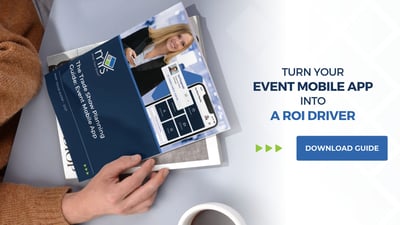
Ready to turn your event mobile app into a measurable engagement and ROI driver in 2027?
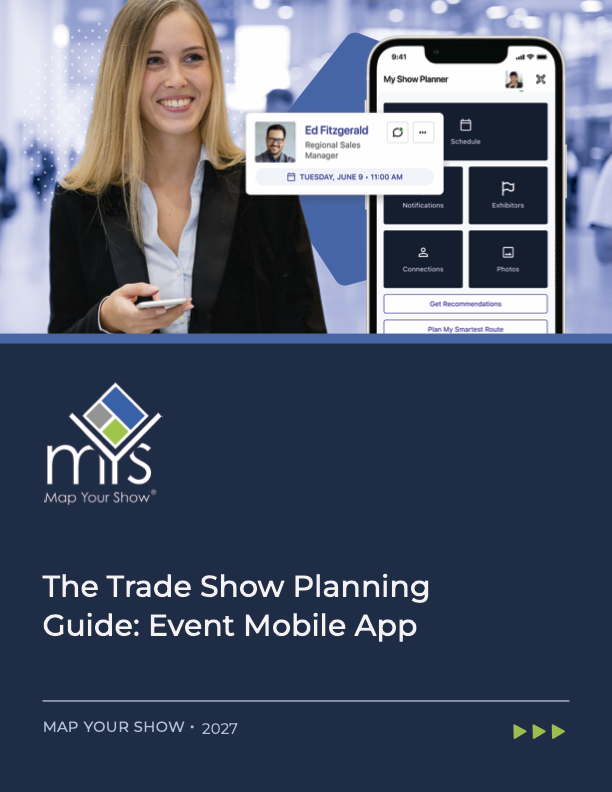
This newly updated 2027 Trade Show Mobile App Guide explains how AI-powered personalization, attendee scanning, and a redesigned event floor plan turns an event mobile app into an attendees' and exhibitors' most important tool at a trade show. Whether you’re planning next year’s show, relaunching an existing event mobile app, or comparing event management technology, this guide helps you identify how to take your event engagement strategy to the next level through your mobile technology.
A mobile app is no longer a nice-to-have at trade shows and conferences, it’s the primary way attendees navigate, plan, and connect on-site. Attendees expect turn-by-turn wayfinding, personalized session and exhibitor recommendations, and a fast way to capture every connection they make. Exhibitors expect real-time data visibility into who visited their booth, scanned their products, and is worth a follow-up call. Organizers need clear data before, during and after the show to make real-time improvements and investment decisions as they optimize the event year over year.
Unlock the real value of your event mobile app:
When attendees can find the right exhibitor in a crowded hall, build a personalized agenda, and get walking directions to their next session, and engage more and stay longer
When exhibitors can see who scanned their booth and follow up with real intent signals, they renew and invest more in next year’s show.
And when event organizers have clear data showing what worked well, what didn't, and where to invest for the next event.
This guide shows you how to build a smart mobile strategy and choose the right technology partner, to design an even mobile app that reflects your brand, promote it before your show, and measure adoption once it’s live.
New for 2027, you’ll find use cases and overviews of MYS Connected, our AI-powered personalization and networking assistant; MYS Smart Scan, which lets attendees capture every badge, booth, and product connection; and the redesigned Attendee View Floor Plan, with searchable points of interest and point-to-point walking directions.
If you’re evaluating event mobile apps, trade show apps, conference apps, or event app adoption strategies for 2027, this guide will help you understand what to look for, how to launch it successfully, and how to turn it into a tool attendees and exhibitors actually use.
This guide is brought to you by Map Your Show (MYS), your event management technology partner.
*By clicking "Download Now", you consent to allow Map Your Show to store and process the personal information submitted to provide the content requested.
