
Share this
by Thembela Mavuso on December 22, 2025
Stay informed with the latest from Map Your Show!
MYS Connected Expo! Expo! Presentation
Last week we exhibited at Expo! Expo! and showed off our latest product MYS Connected. Powered by artificial intelligence, MYS Connected delivers a hyper-personalized event experience to every attendee.
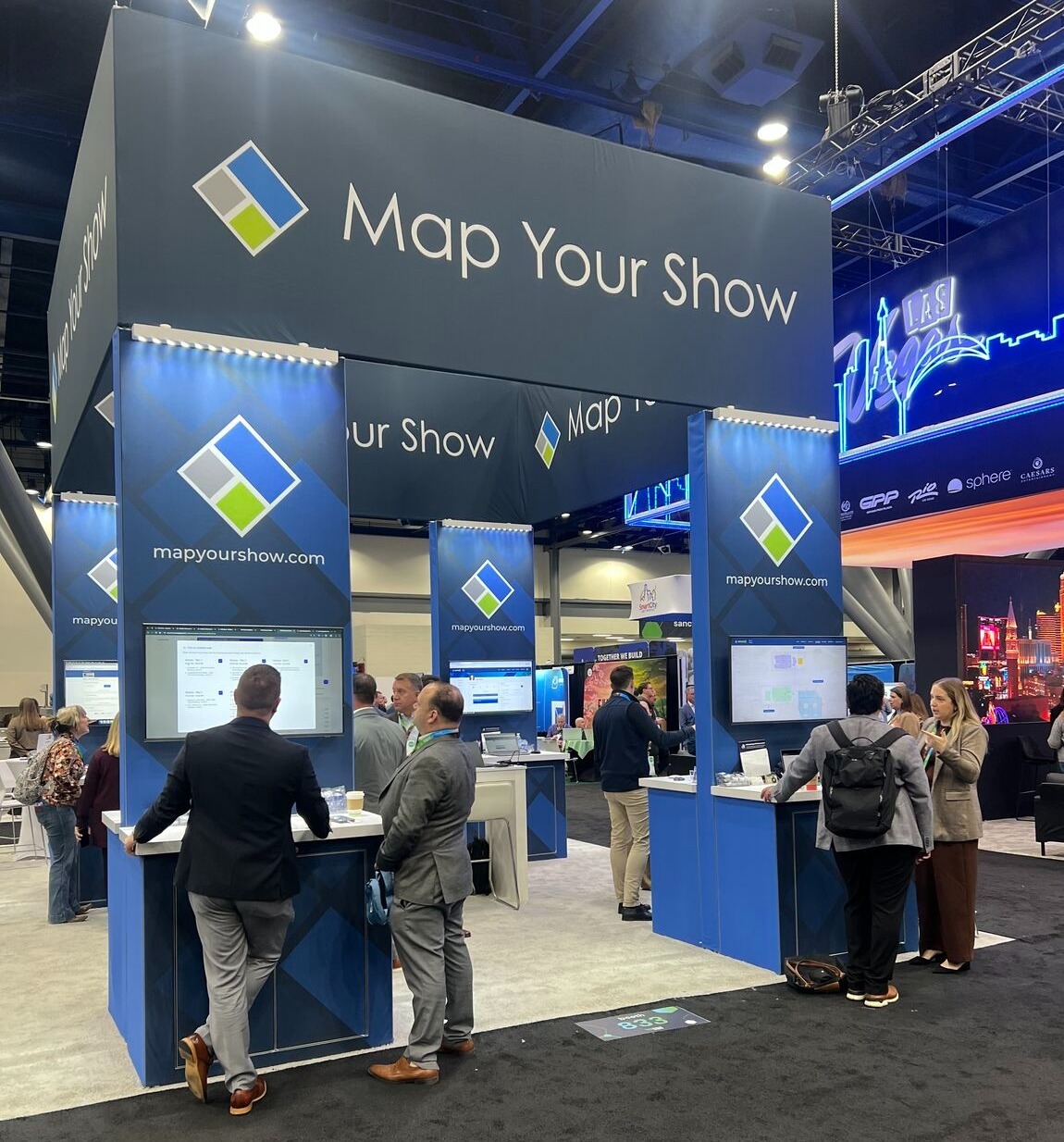
If you did not get a chance to stop by our booth and see this new technology, join us on January 20th 2026, for a recap of everything we showcased, including MYS Connected, our AI Assistant (Lina), new Networking features, and the new Attendee Floor Plan with Walkable Directions.
MYS Connected Expo! Expo! Presentation
Date: Tuesday, January 20th, 2026
Time: 11:00 am EST
Year-End MYS Holiday Reading
Got a quiet moment during the holidays?
Map Your Show has tons of resources and trade show guides to help you plan smarter for the year ahead. Explore our blog for helpful articles and resources created specifically for event organizers.

December Product Updates
- New Mobile App Options Available: The default page options in the Mobile App admin now allow you to add pages from the quick list including full session lists, audiences, session locations, and exhibitor collateral. These expanded options help you easily provide key information to your attendees.
- Bulk Item Updates: Bulk Item Updates let you quickly edit multiple booth sales items in the show dashboard at the same time. It's a quicker and easier way to make changes, without having to edit each item individually. Perfect for mass updates or quick adjustments.
- Newly Designed App Store Landing Page: The newly designed mobile app store landing page provides a single, convenient link for your attendees to access your event app, no separate store or web links needed.
- Canceled Line Items (Edit Reason and/or Sales Rep): For line items that have been canceled, you can now update the previously selected cancellation reason as well as the assigned sales representative. Simply click the edit icon next to the canceled line item to modify these fields.
